
Your content,
your screen.
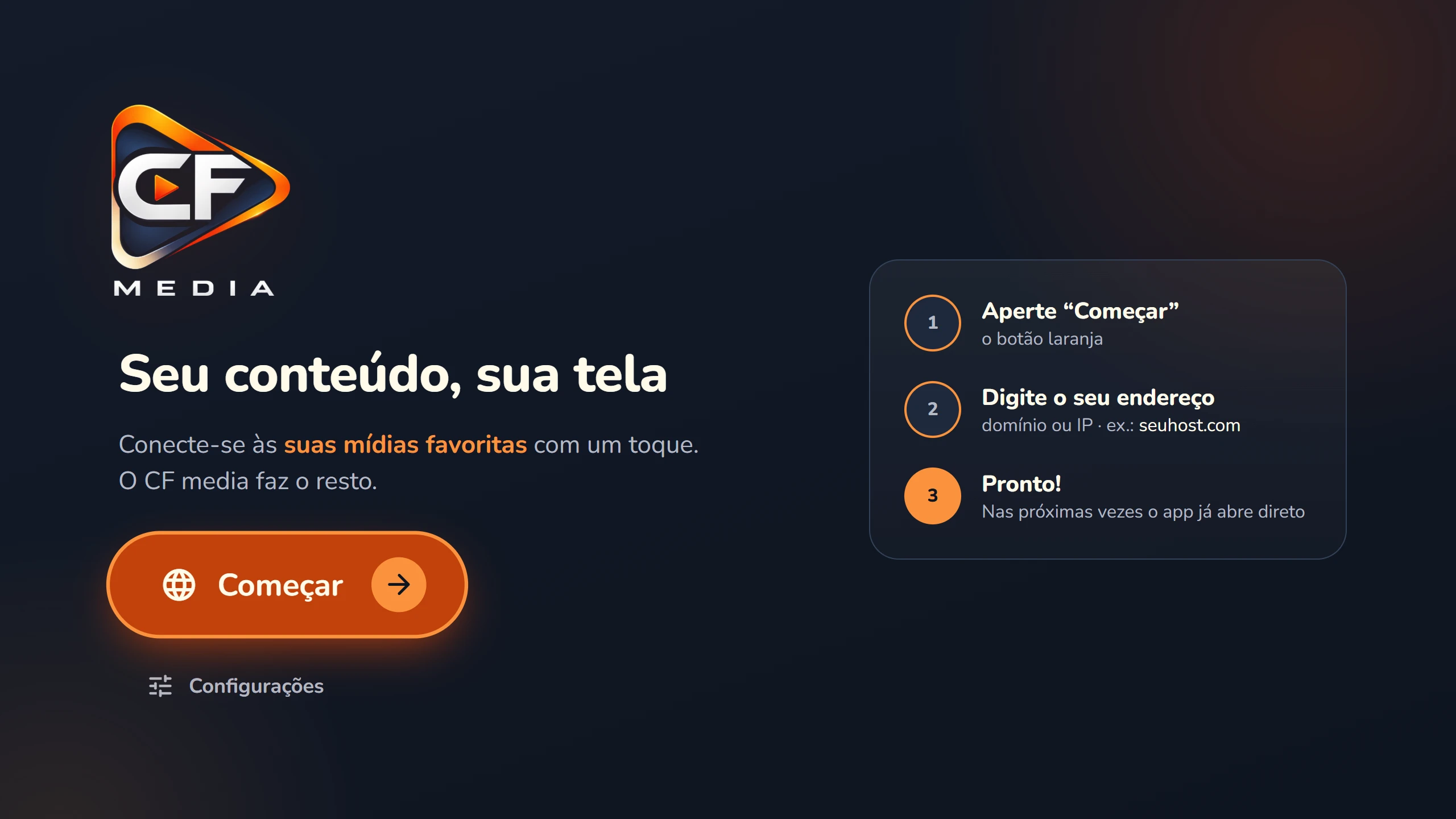
- StartOK on the orange button
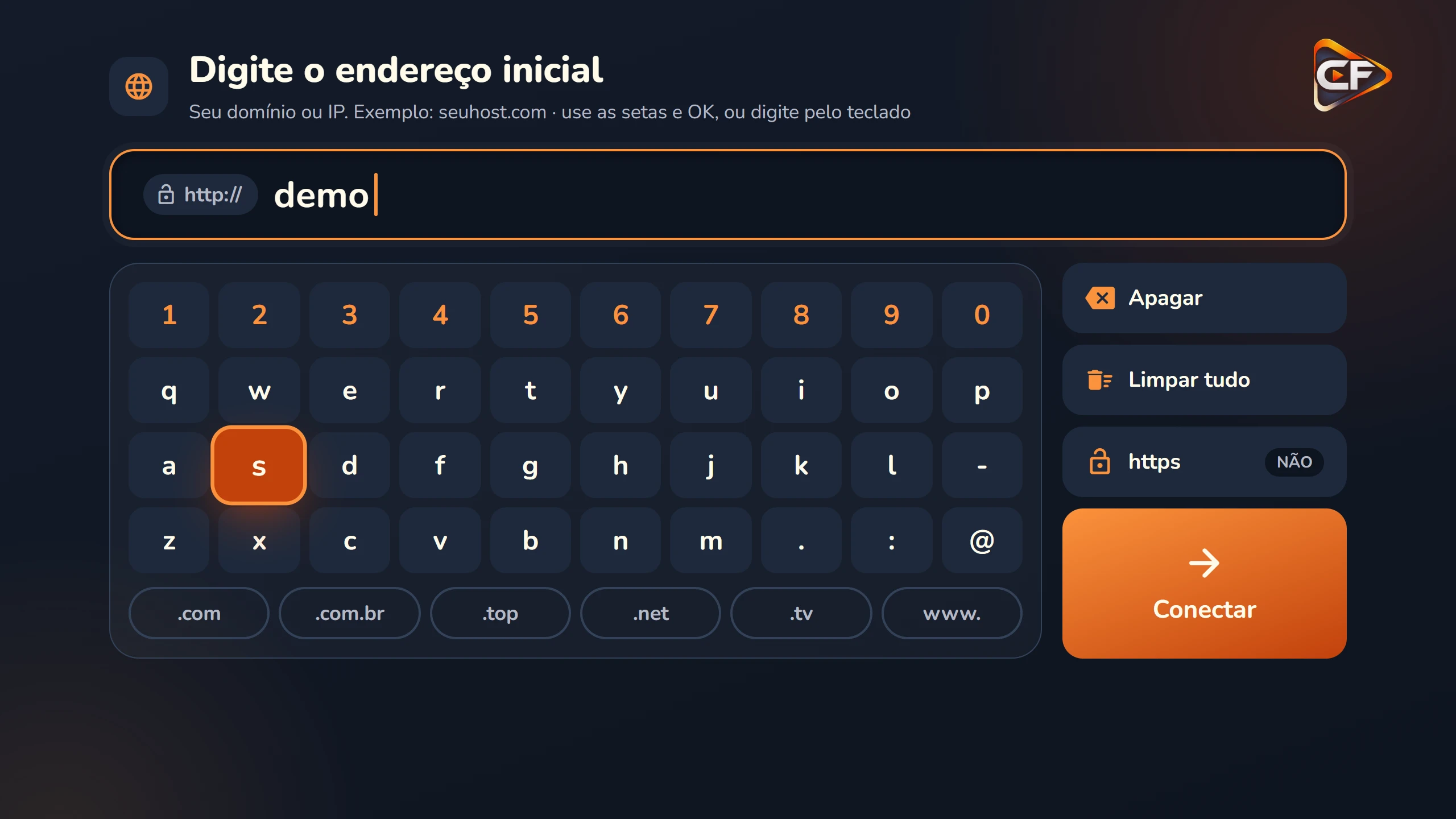
- AddressType it with the remote
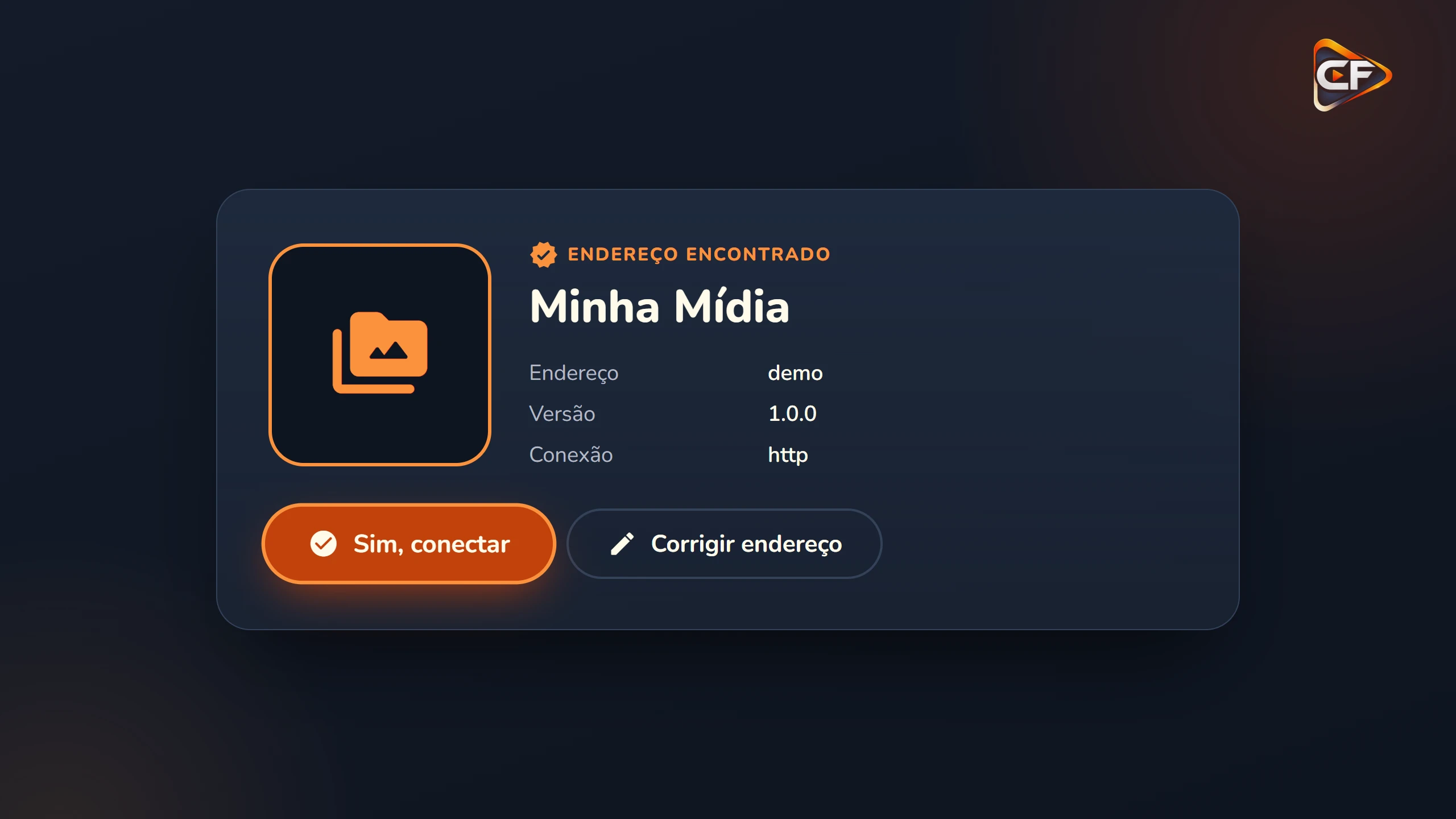
- ConfirmSee what was found
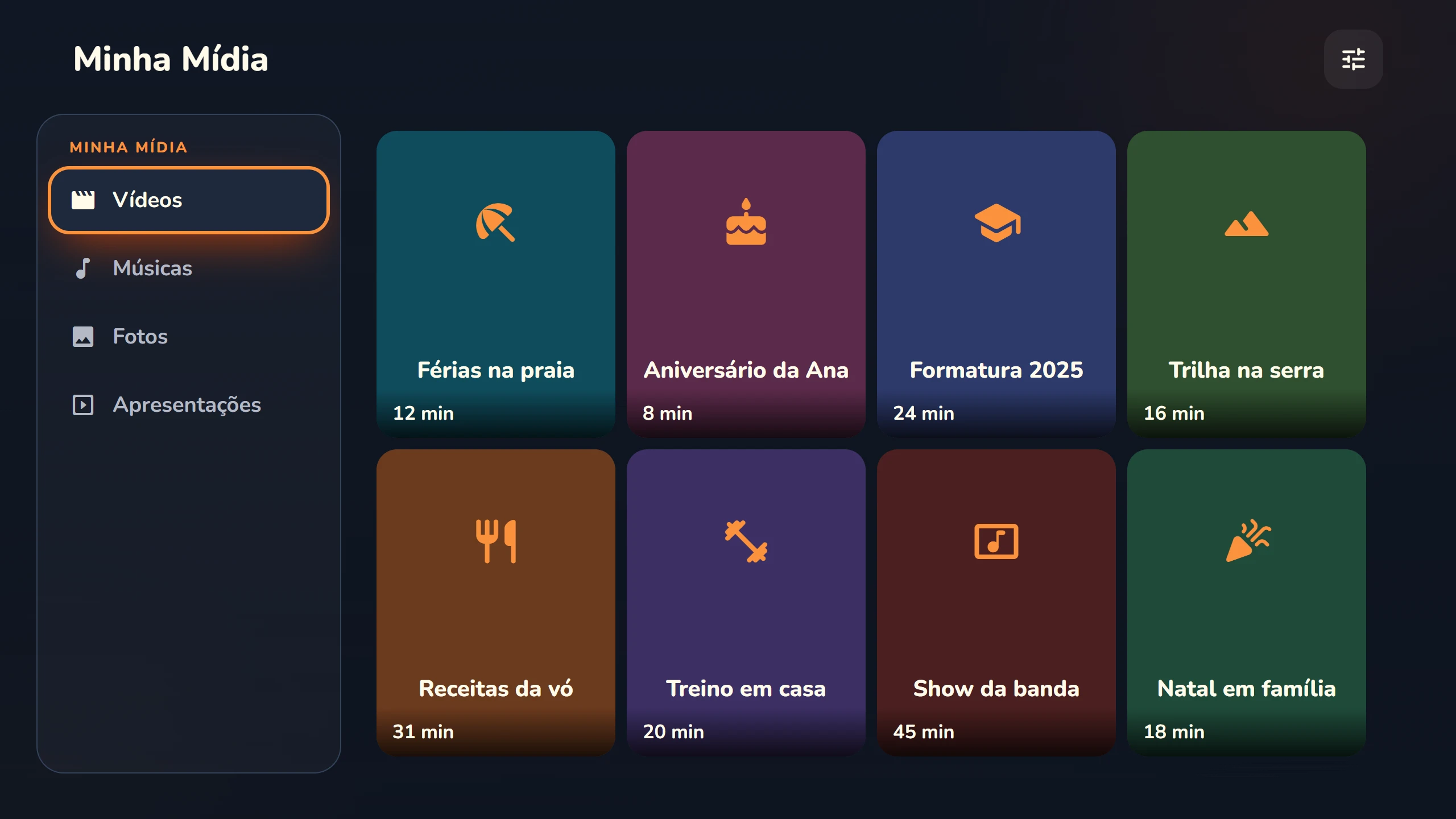
- DoneYour content on screen
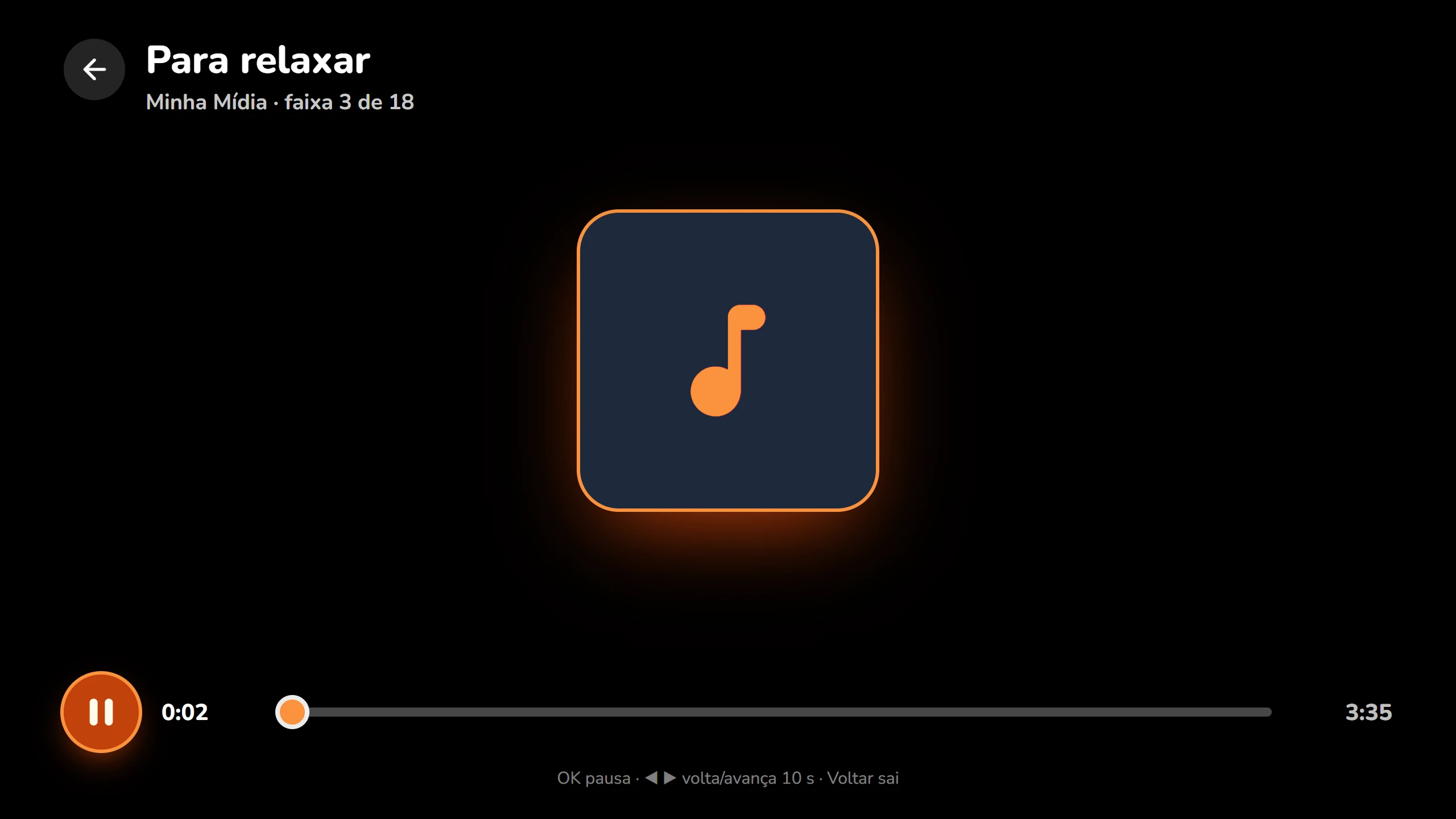
- WatchVideo and music in the player
Three steps.
Then just turn it on.
Made for anyone: the right button is always in sight, and the app remembers everything.
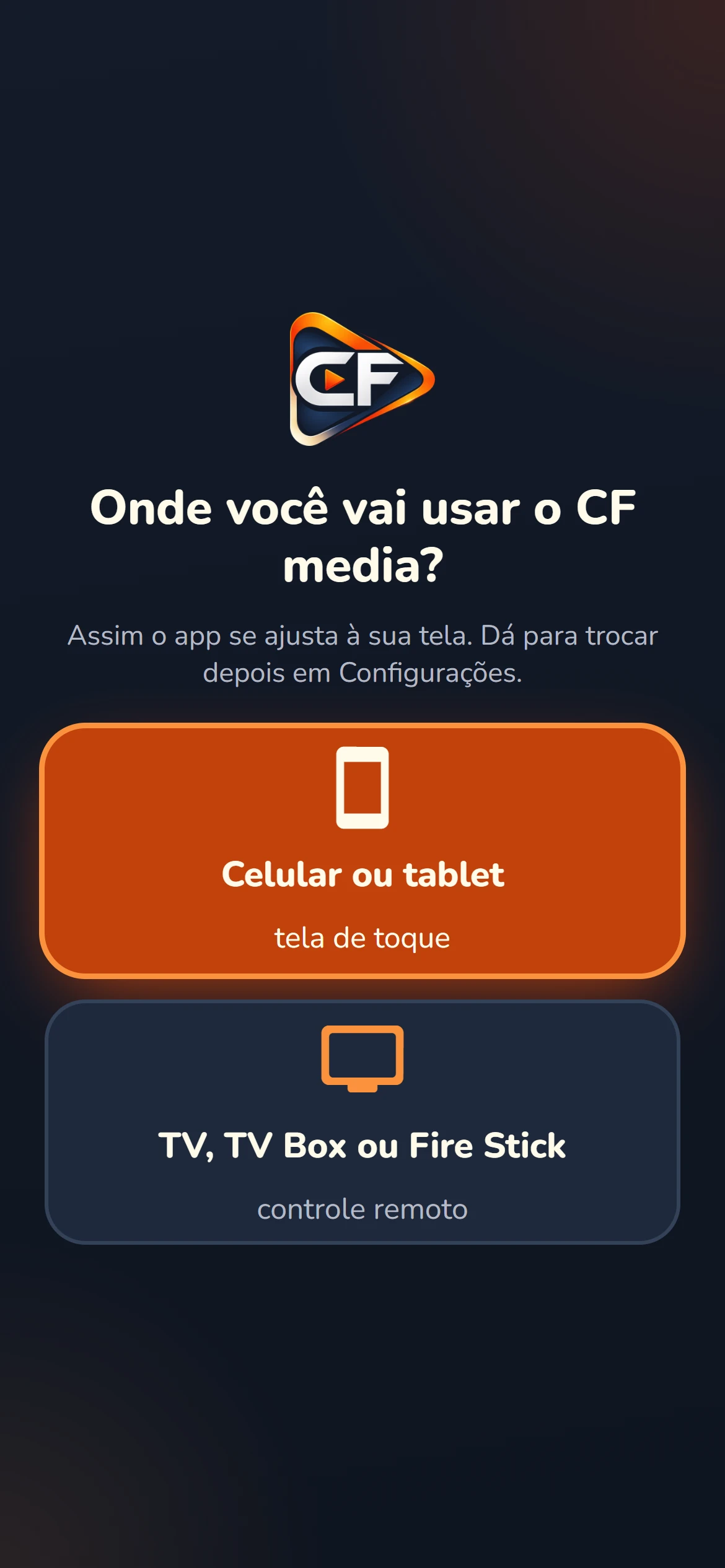
Install CF media
On your phone, Android TV, Fire TV Stick or TV box. It’s free.
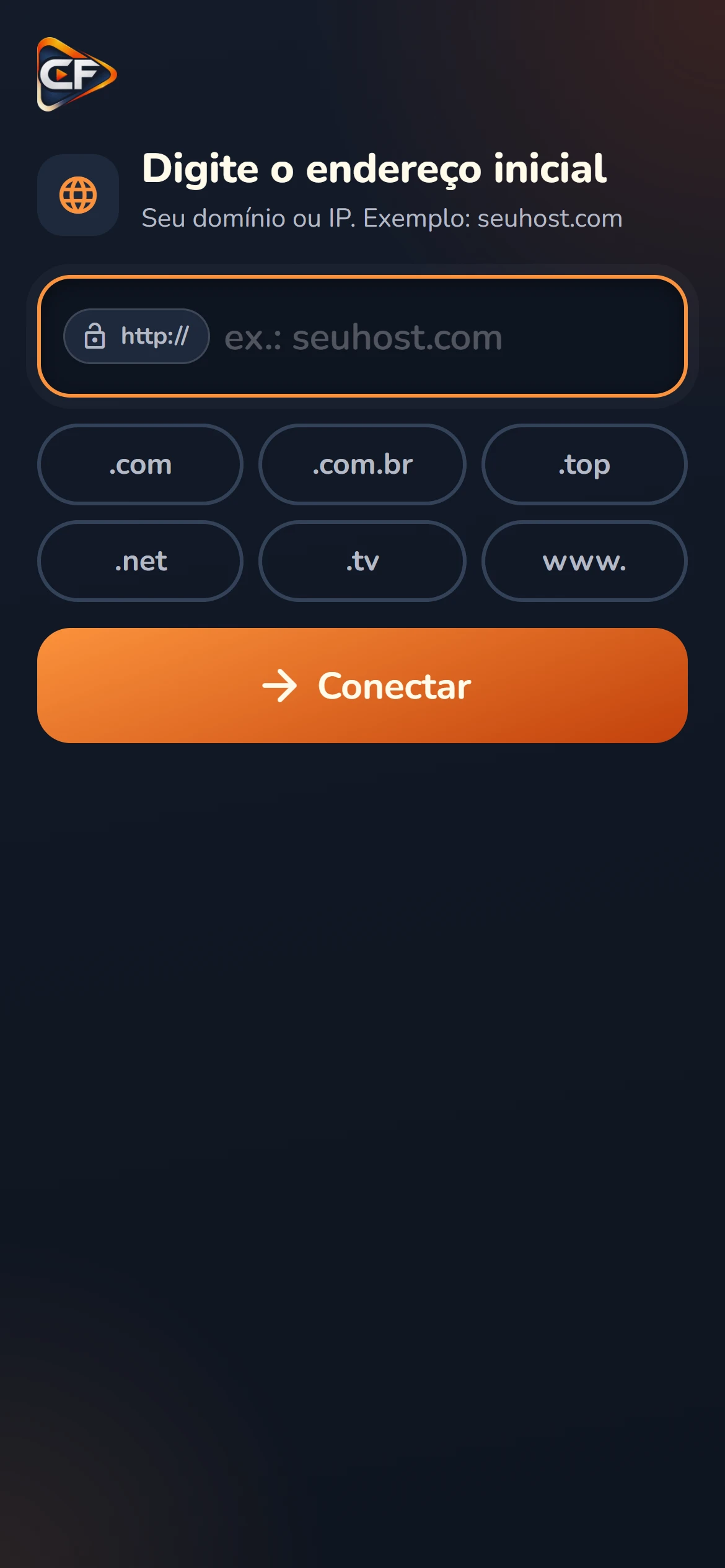
Type the address
The domain or IP of your website or media server.
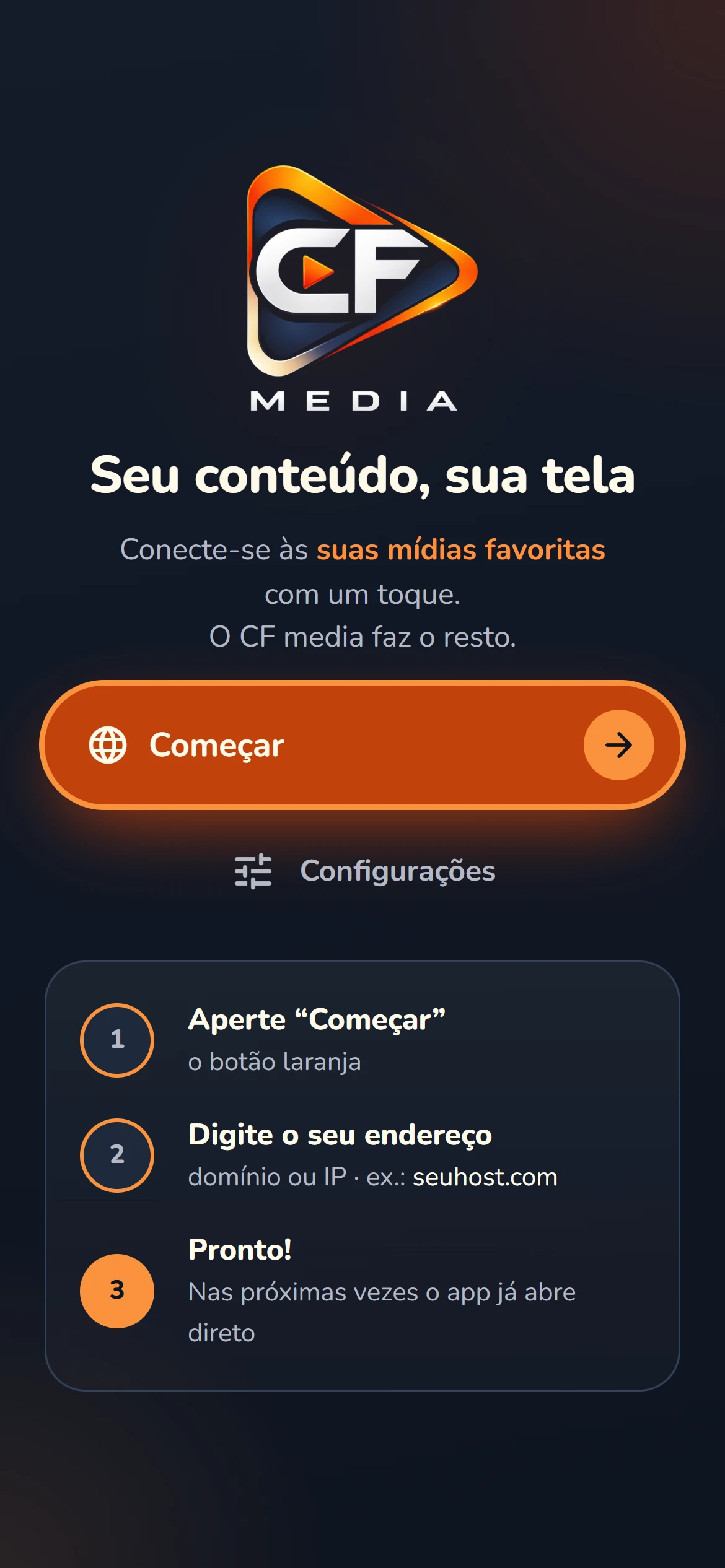
Done
From then on, the app opens straight into your content.
Made for the remote.
On the TV, everything works with the arrows and OK, with large text and a highlight you can see from the couch. On the phone, a real portrait layout, not a shrunken TV screen.
- On-screen keyboard designed for the remote, with .com and .com.br shortcuts
- Hold Back to open Settings, from anywhere
- Also works with a real keyboard and mouse
A player that lives up to it.
Video, music and photos with the CF media look, on top of each device’s own video engine. MP4, HLS live streams, MP3 and full-screen photos.
- Skip back and forward 10 s with the arrows; repeated presses add up
- Pauses when you leave the app and resumes where you left off
- Tells you what happened when a video won’t play, and tries again
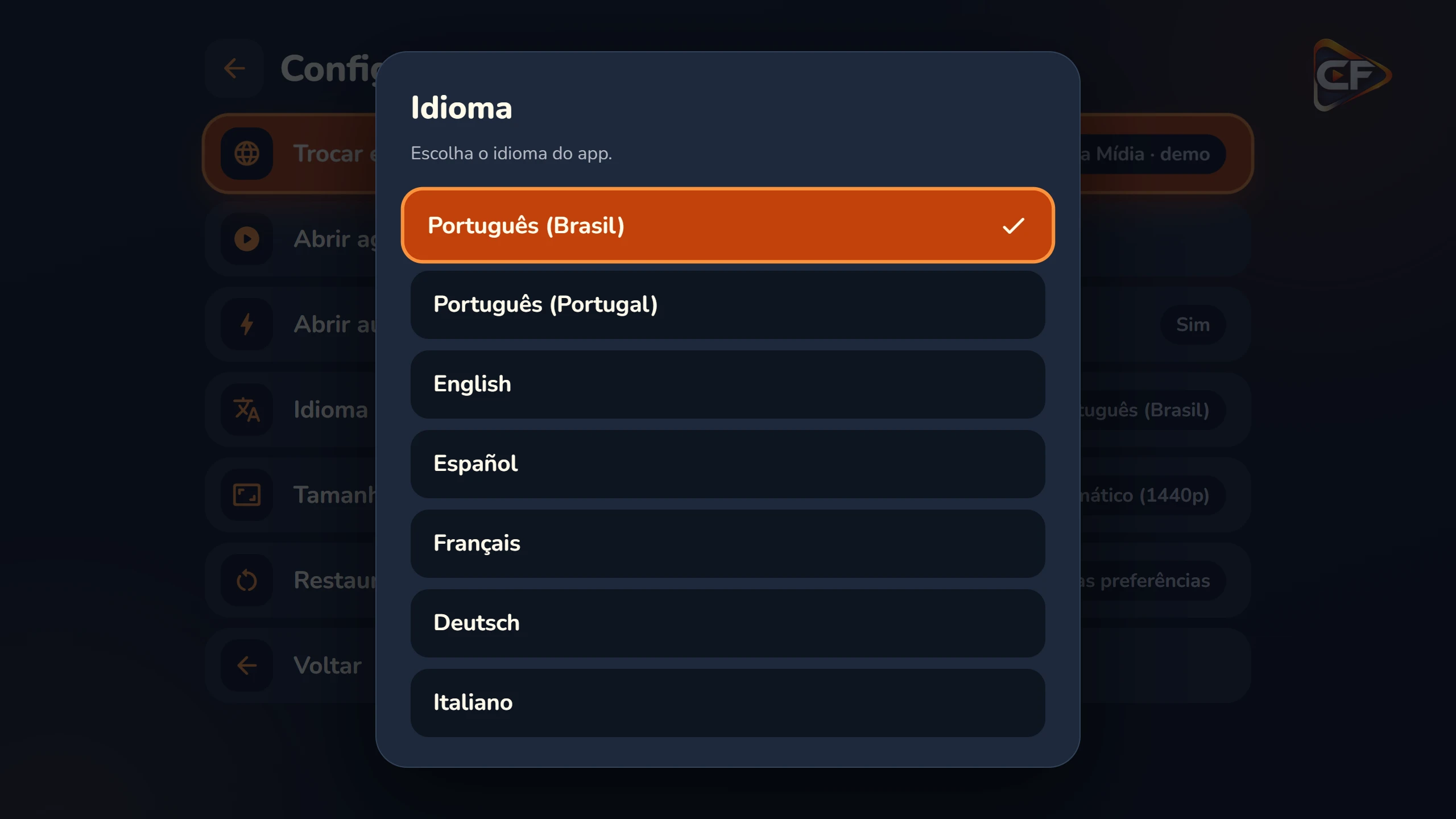
In your language, at your screen size.
The language comes from the device and switches instantly. Screen size is automatic, from old monitors to 4K. If you change it, the app asks for confirmation and reverts by itself after 15 seconds if you can’t see anything.
system_updateUpdates itself
Improvements arrive silently. Every update is signed and verified before it is applied.
lockPrivacy
No sign-up, no ads, no tracking. It never sends passwords, logins or what you watch.
data_objectPages in JSON
Menus, grids and actions in simple files. See the documentation
Frequently asked questions.
Didn’t find it? Write to [email protected].
Is CF media free?
Does CF media come with any content?
Which devices does it work on?
How do I change the address later?
Does the app collect my data?
Does it update itself?
Ready to turn it on?
Free, light and easy. Install it and type your address.